
10 Practical Ways Businesses Are Using QR Codes Beyond Menus and Payments
A QR code on a restaurant menu or a payment terminal is the use case most people picture first — that's a fraction of what one is actually good for. Ten genuinely practical business applications, each a real, working FreeQR product.
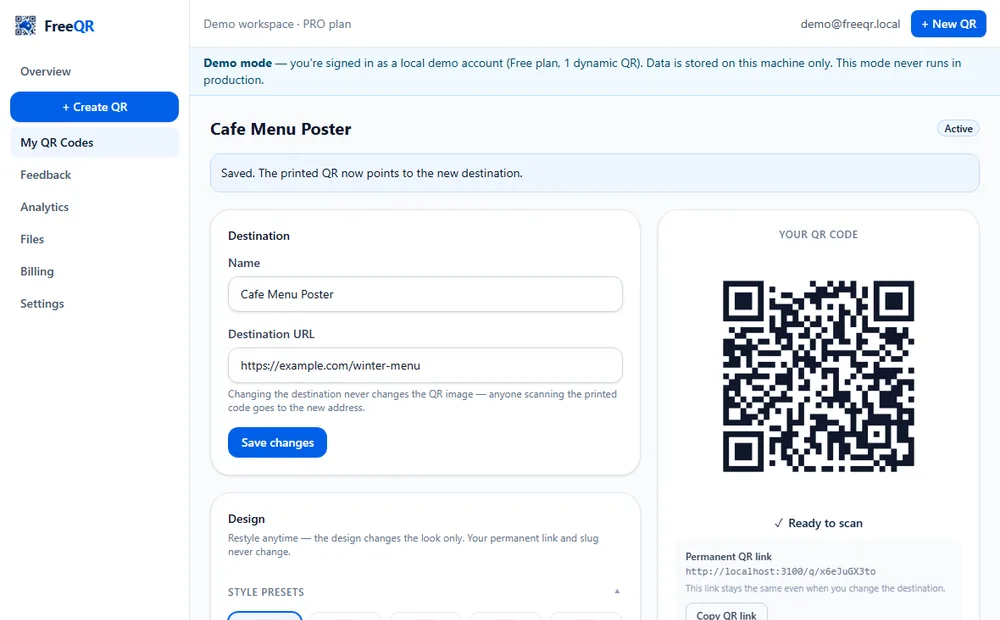
Anywhere information needs to travel from a physical object or location to a phone, a QR code can carry it — and if it's a dynamic one, it can be updated afterward without reprinting anything. Ten genuinely practical examples below, each a real, working FreeQR product rather than a hypothetical.
1. Equipment instructions and fault reporting
A QR code on a piece of equipment — a gym machine, a forklift, shared office gear — links to how-to-use instructions, service history and status, and a fault-report form anyone can use without an account. See the Equipment Passports overview or try the demo.
2. Gym equipment, specifically
A dedicated version of the above built for gym floors — step-by-step how-to-use content, safety notes and an optional demonstration video, from the same QR a member scans on the machine. See Gym Equipment QR Codes or try the demo.
3. Worker and visitor sign-in
A QR code at a site entrance or reception desk handles sign-in for workers, visitors, contractors and deliveries, with inductions, a live “who's here” register and an emergency roll call. See FreeQR Sign-In Solutions.
4. On-the-spot customer feedback
A QR code at a table, in a lift, or near a facility entrance opens a short feedback or issue-report form — no app and no account needed to submit. See QR Feedback & Issue Reporting or try the demo.
5. Staff shift clock-in across multiple sites
A cleaning contractor, a hospitality business, or any multi-site employer can let staff clock in and out by scanning a per-workplace QR code — no kiosk hardware, no separate app. See Roster & Shift Sign-On or try the demo.
6. Companion content for printed books
A QR code printed inside a book links readers to video, worksheets, audio or bonus material — editable even after the book is already printed and in circulation. See Book QR Codes or try the demo.
7. Guest Wi-Fi access
A QR code that connects a phone straight to a Wi-Fi network, no typing a password — genuinely useful for short-stay rentals, cafes, offices and waiting rooms. See Wi-Fi QR codes.
8. Manuals, menus and documents
A QR code linking straight to a hosted PDF — an equipment manual, a printed menu, a policy document — without needing to host or manage the file yourself. See PDF QR codes.
9. Google review requests
A QR code on a receipt, a table tent or a thank-you card that takes a happy customer straight to leaving a Google review, removing the friction of them having to find the business listing themselves. See Google Review QR codes.
10. Digital business cards
A vCard QR code on a printed business card or an email signature lets someone save your contact details to their phone with one scan instead of typing them in manually. See vCard QR codes.
What they all have in common
Every one of these is a dynamic QR code under the hood where editability genuinely matters — equipment, feedback, sign-in, roster, books — or a simple static QR where it doesn't, like Wi-Fi, a digital business card, or a one-off document that will never change. The right choice comes down to one question: could the destination ever need to change after it's printed? See dynamic QR codes for what that actually means in practice, or every FreeQR business solution in one place.
Frequently asked questions
- Do all of these need a paid plan?
- No. A static QR code — Wi-Fi, a digital business card, a simple link to a document — is free and unlimited, no account needed. The business-specific solutions below (equipment, feedback, sign-in, roster and books) are included from FreeQR Pro upward, except Roster & Shift Sign-On, which needs Business. See current pricing for the full comparison.
- Do I need a different app or account for each use case?
- No — all of these run on the same FreeQR platform and account. A business using several of them, say equipment QR codes and a feedback form, manages both from the one dashboard.
- Which one should I start with?
- Whichever solves a problem you actually have today. There's no requirement to adopt more than one — most FreeQR accounts only ever use a QR code or two for one purpose, and that's a complete, legitimate use of the platform.